activity 1: use I3 controller box
- learning goals:
- learn how to use the controller box and preheat, move the axis and print the file from SD card, which are the basic knowledge that students need to utilize 3D printer to print objects.
- tasks:
- follow the procedure to learn how to use the control box
- after learning how to use the control box, heat the nozzle to 205C, heating bed to 60C and move the nozzle to the position (15, 25, 15)
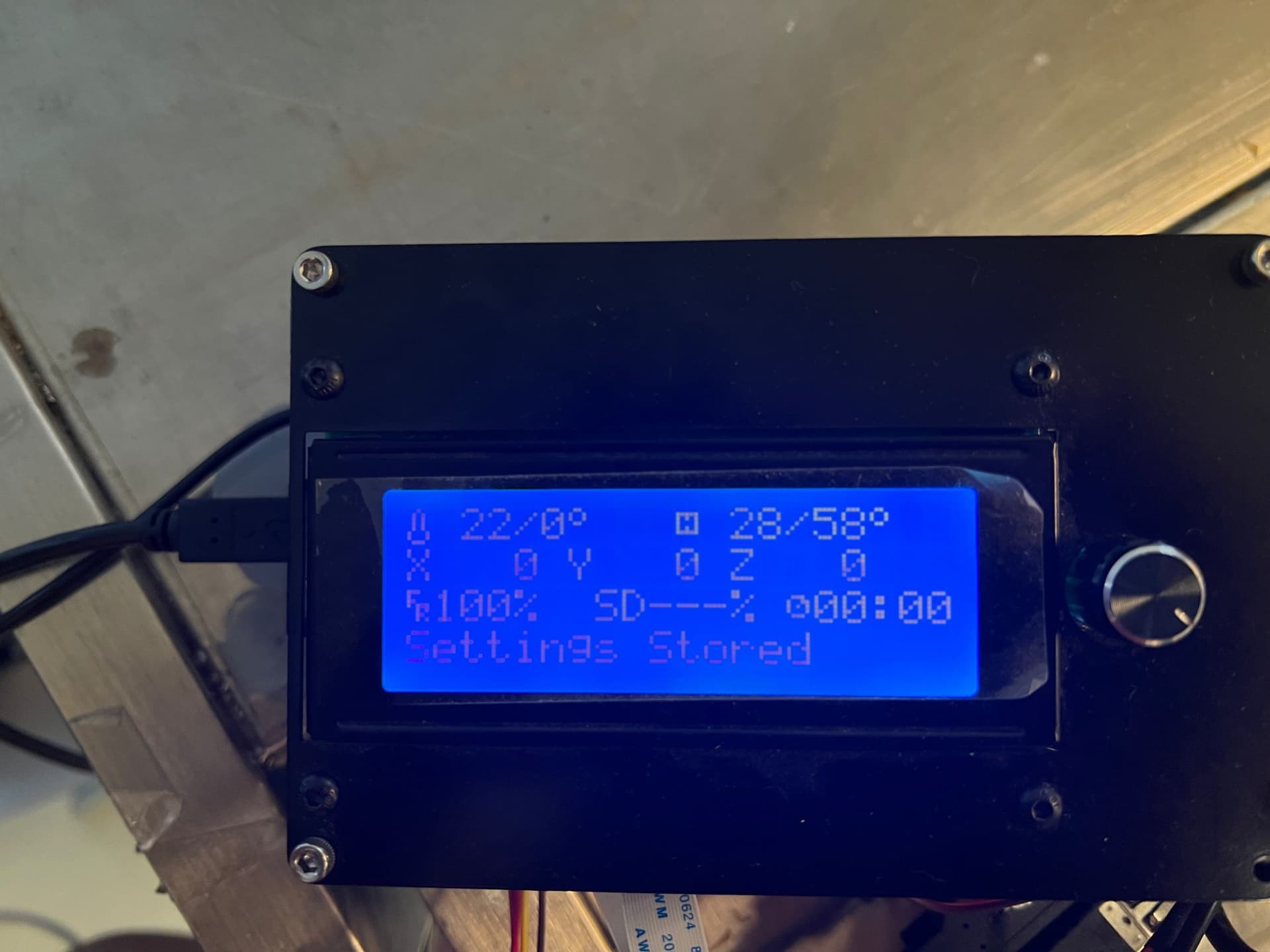
- capture the main page of the controller as the record
- procedure
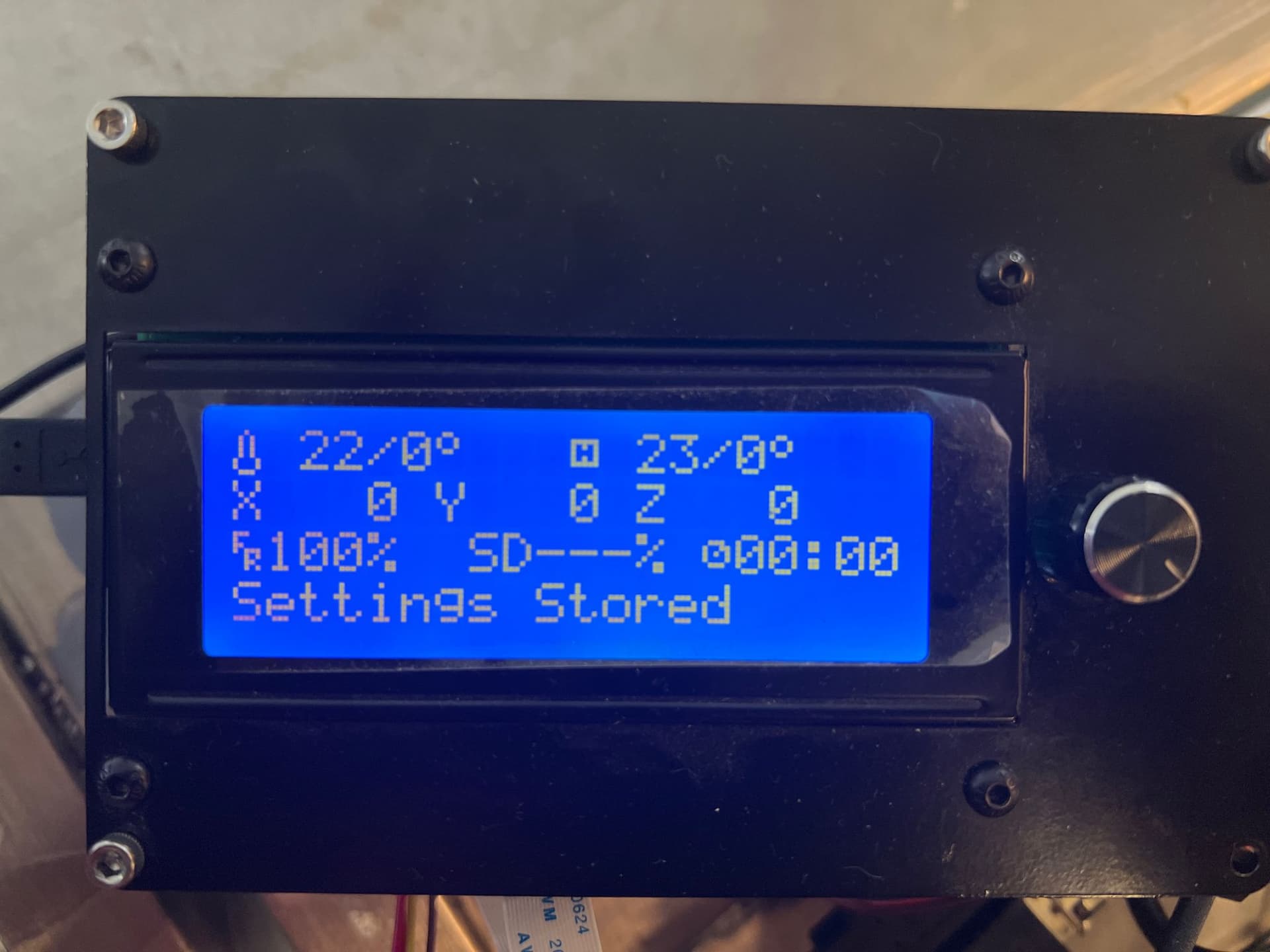
* Press the right knob to confirm the menu, turn the button to select the menu
- move the xyz axis
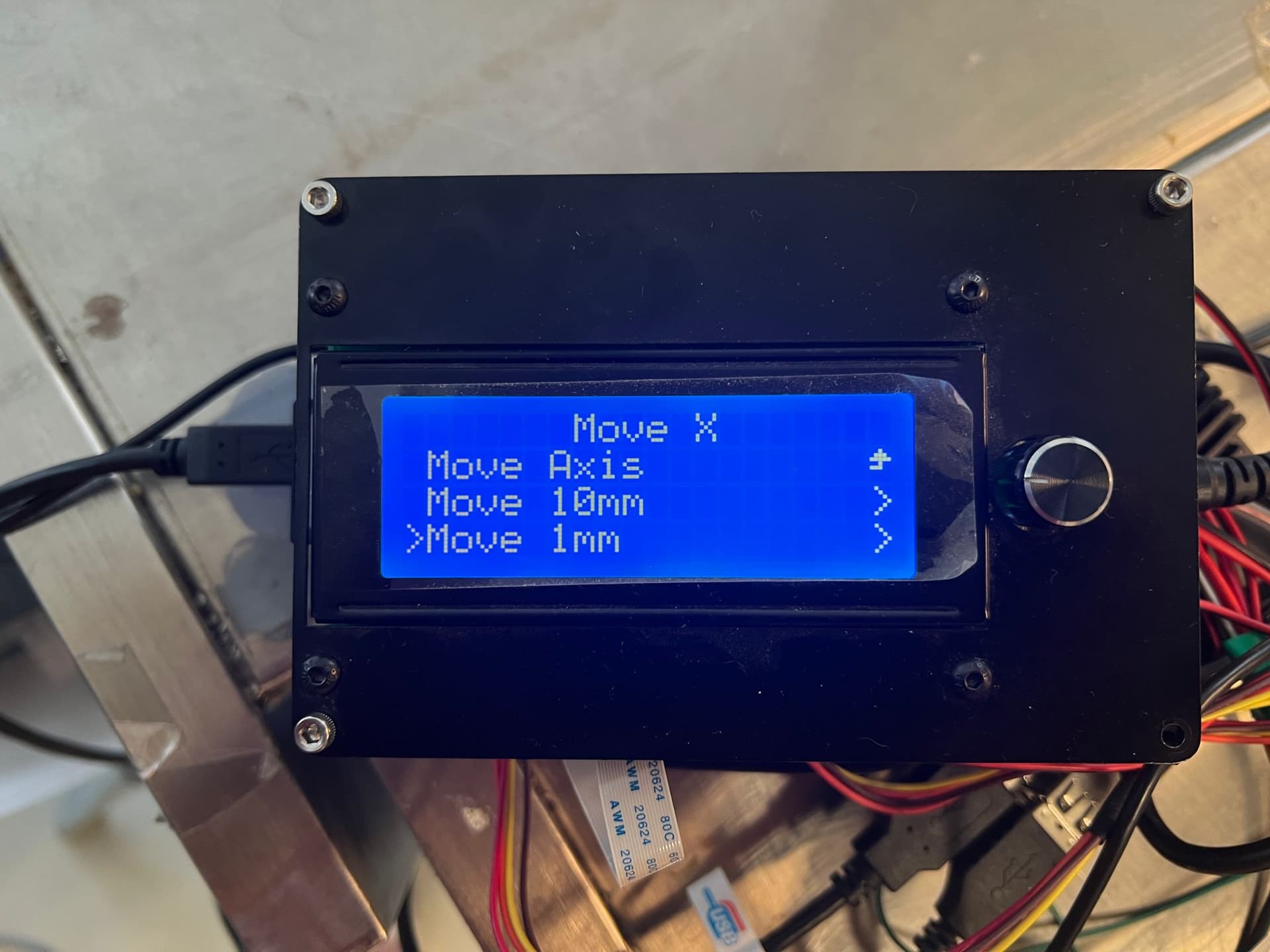
- Menu/Motion/Move Axis/Move X
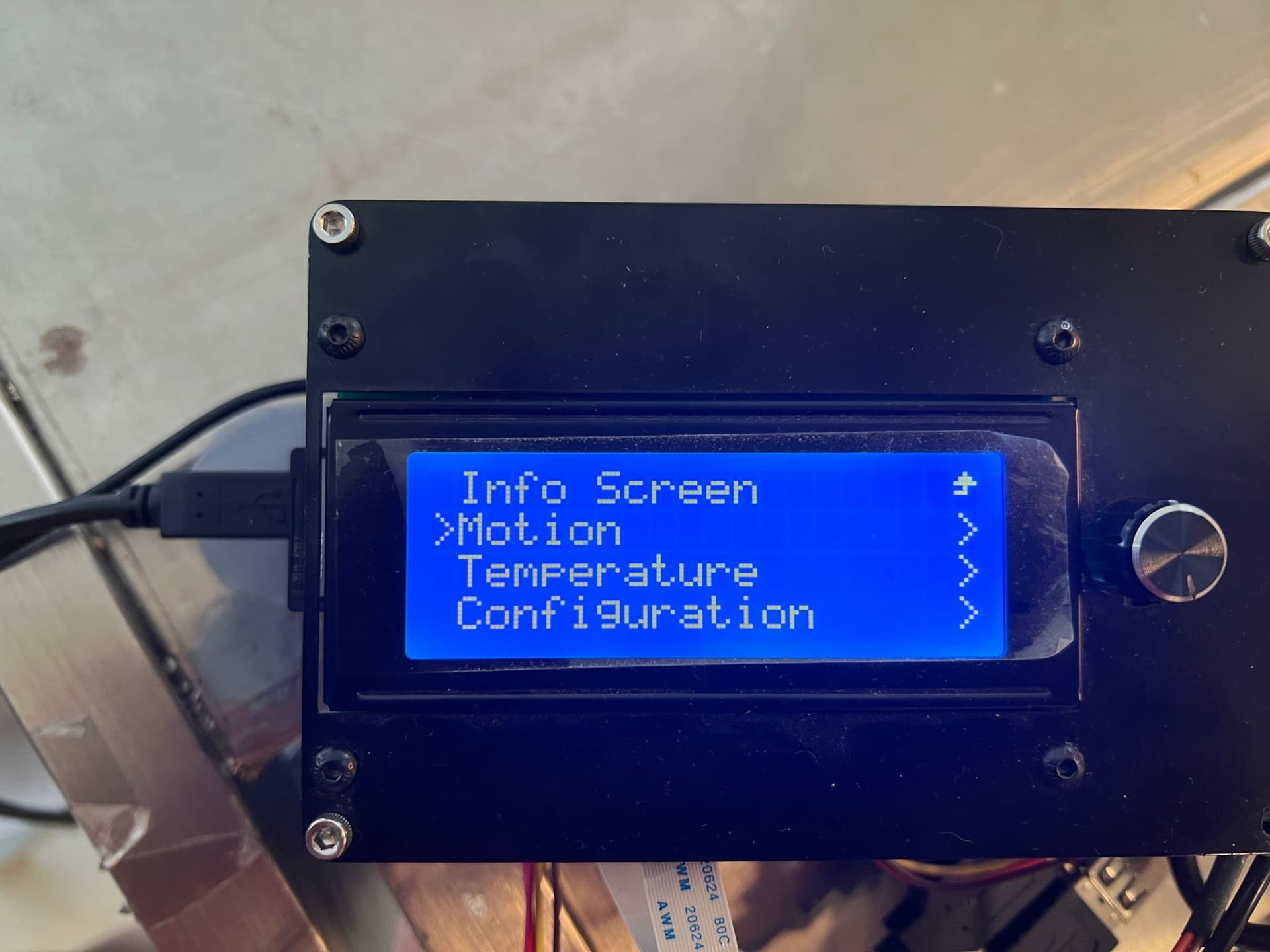
* if your current nozzle position is not home position, please click the auto home option to home the nozzle first.
Menu/Motion/Auto Home
*
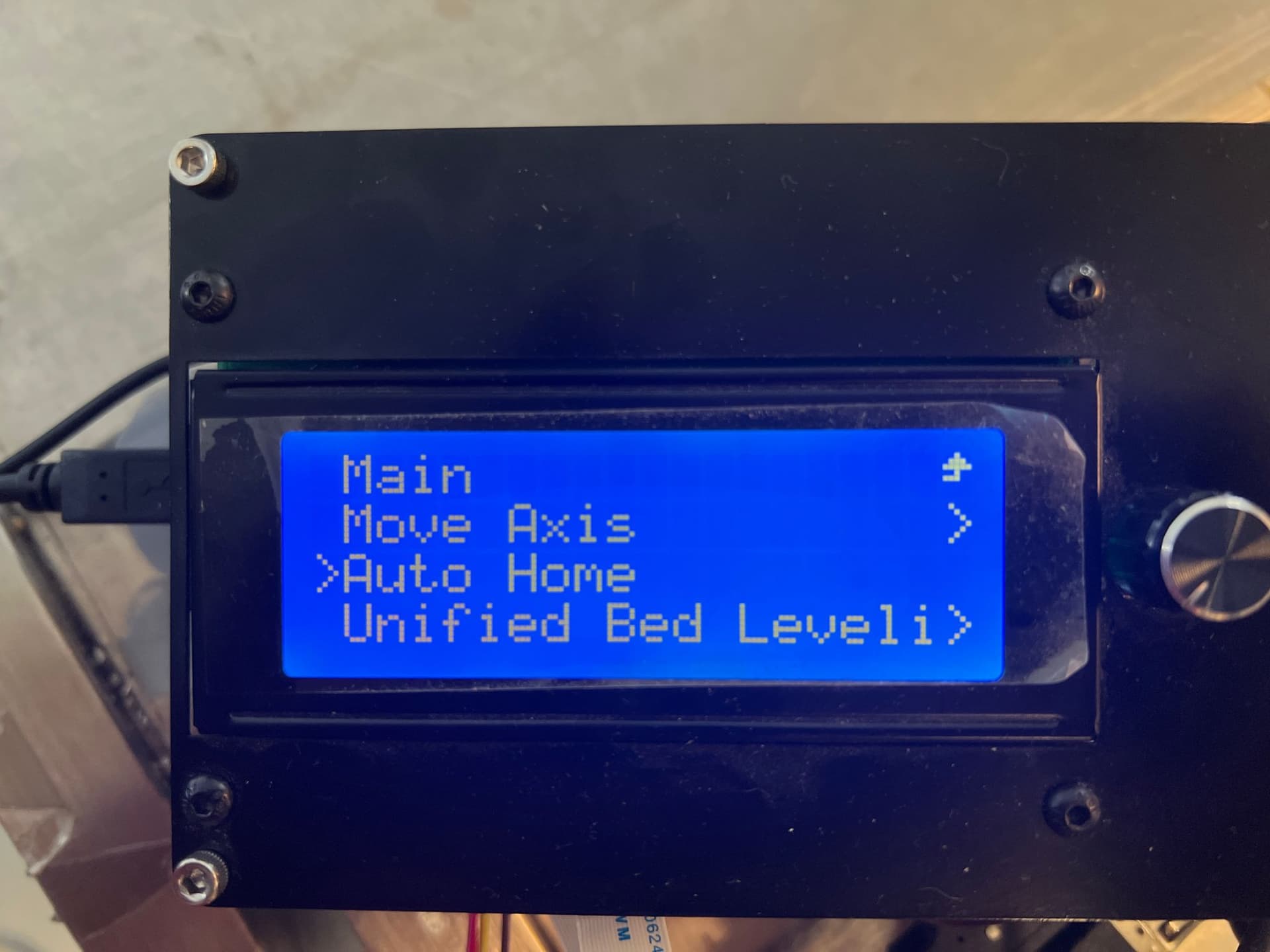
* click the “Move Axis” option and choose to move nozzle in x, y or z direction.
*
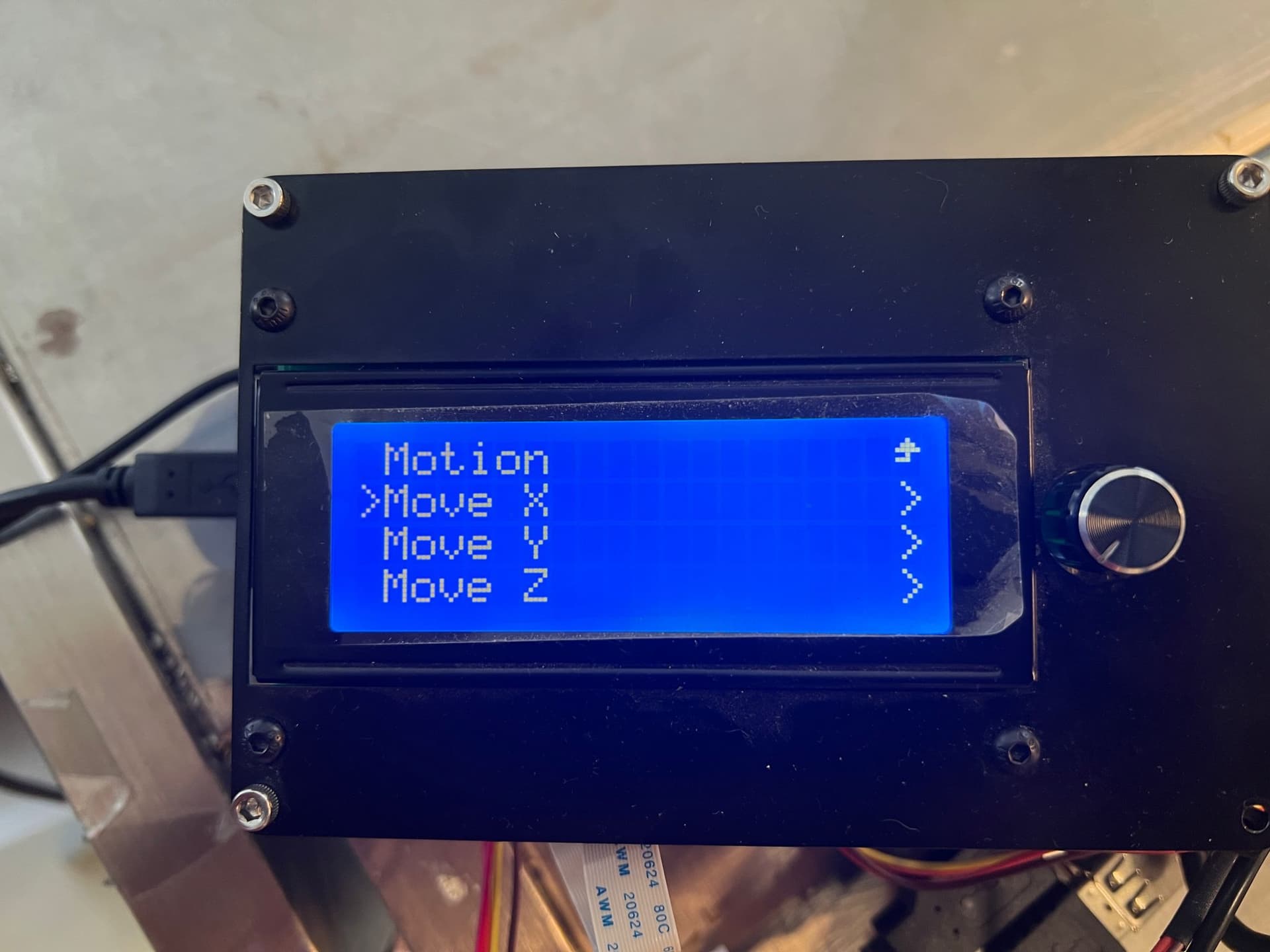
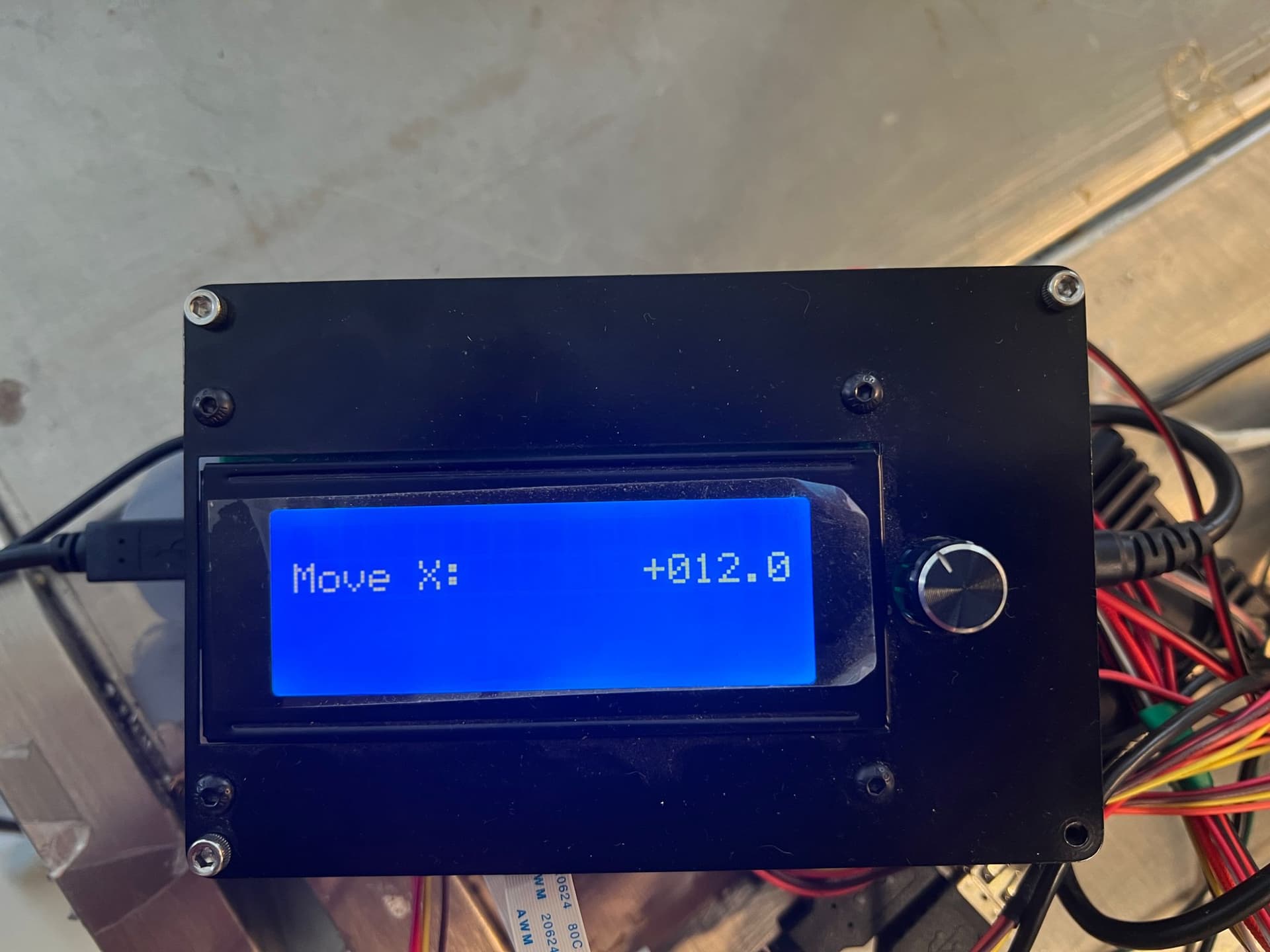
* move 10mm is a multiple of 10 for each move, and move1mm is a multiple of 1 for each move. It is recommended to choose move 1mm to ensure that it does not exceed the movable range. Turn the knob to adjust the moving distance and the nozzle moves.
*
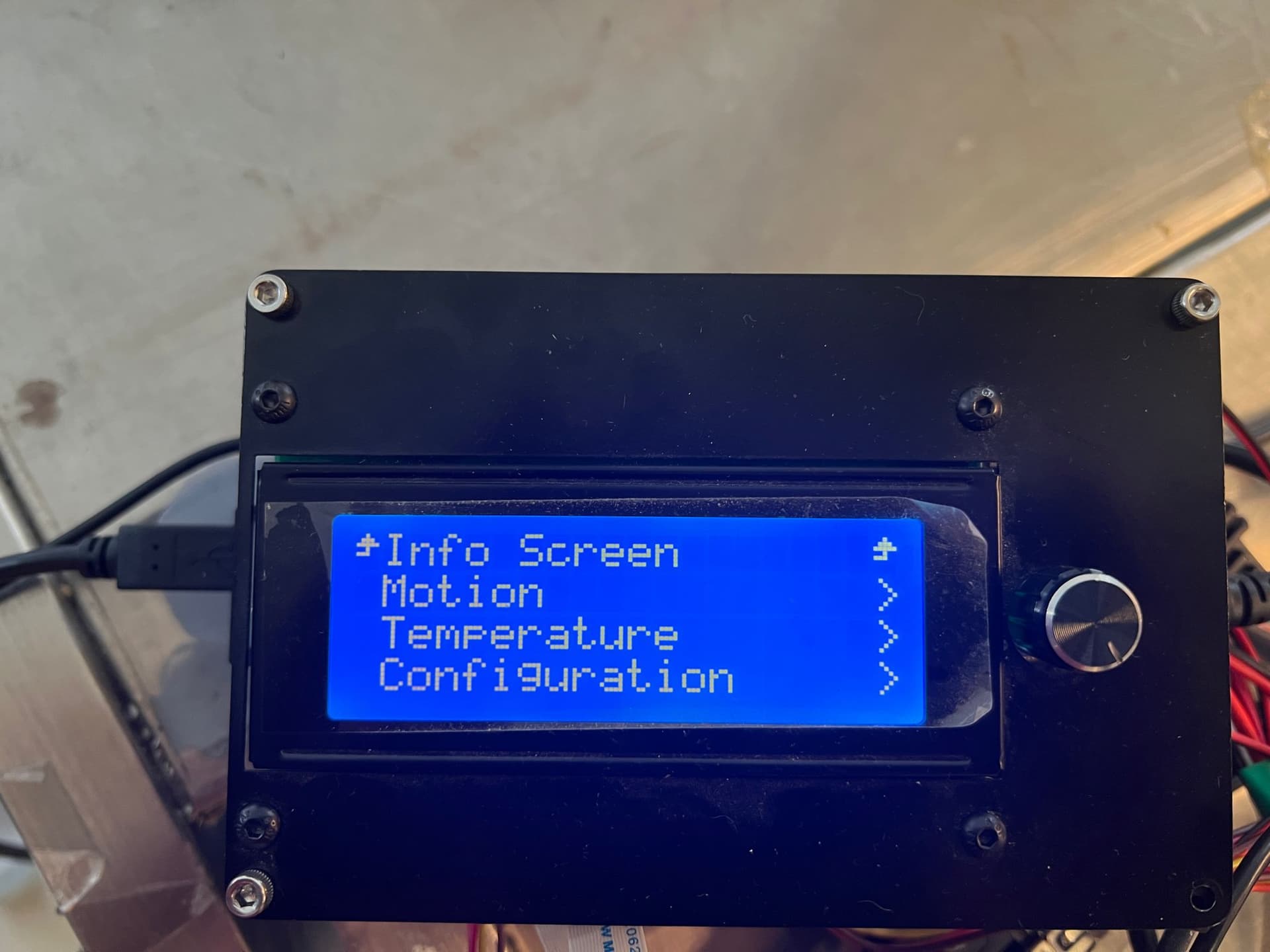
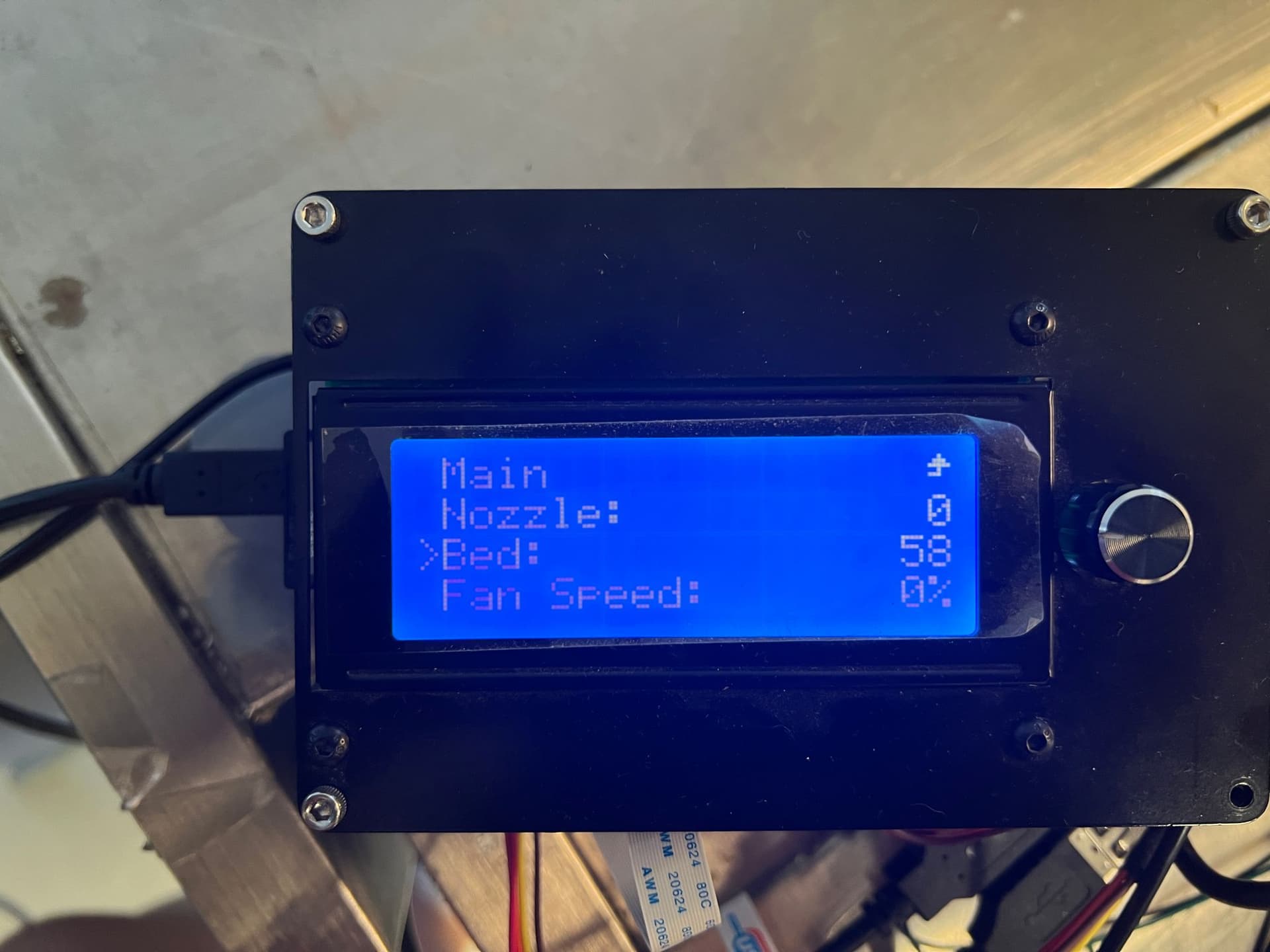
* press the knob to choose to heat nozzle or heat bed
*
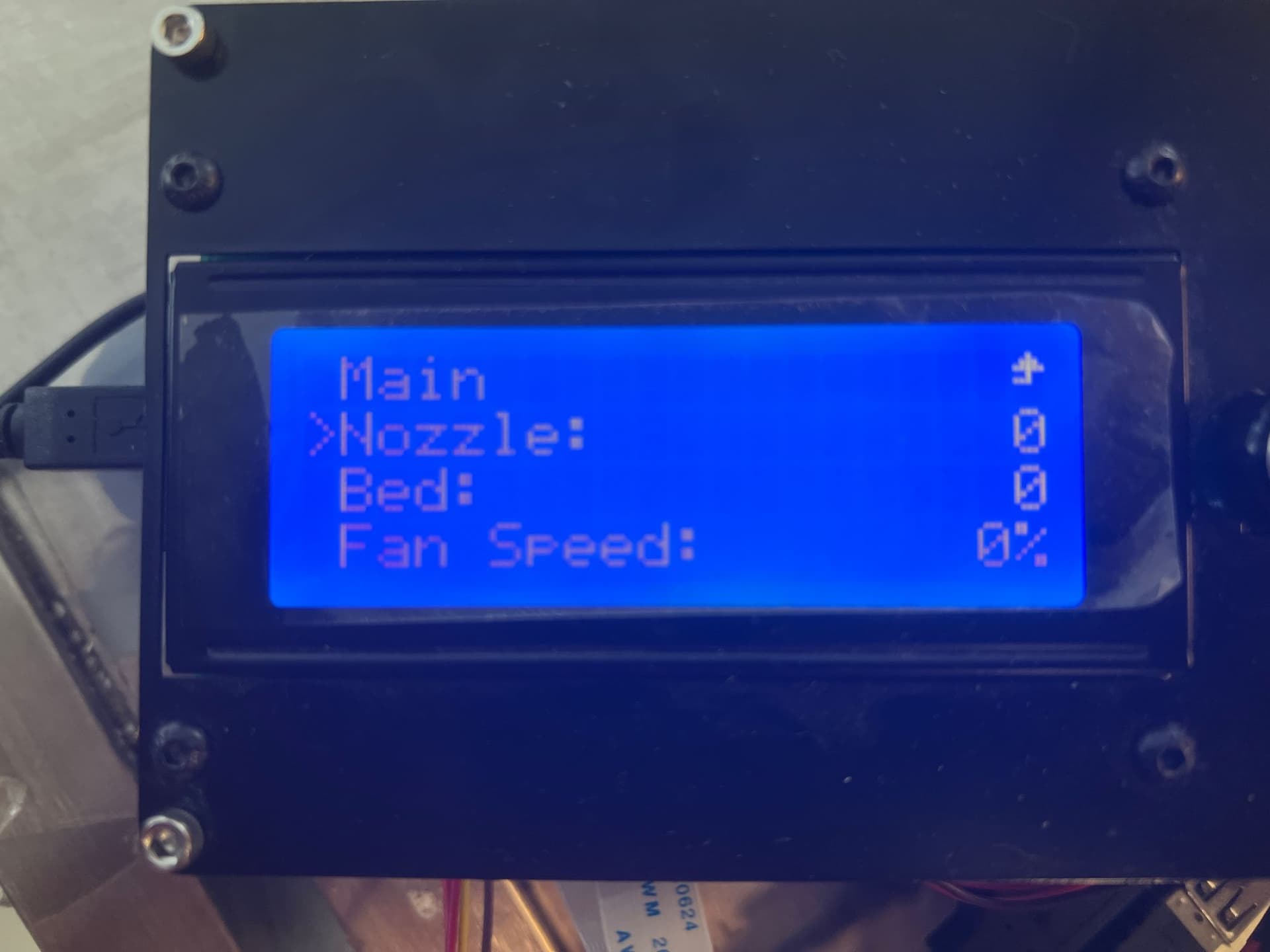
* turn the knop to adjust the temperature
*
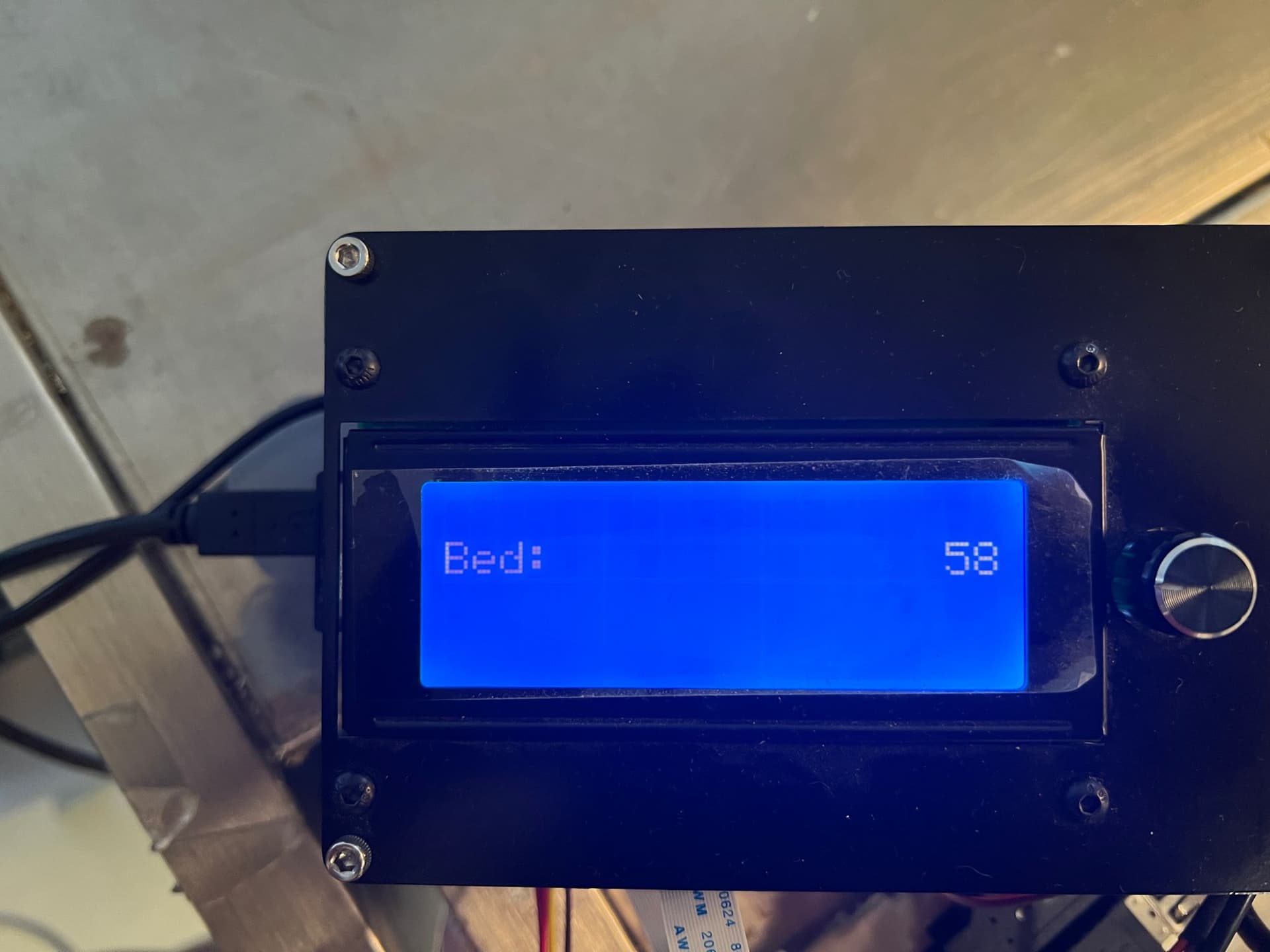
* press the knob to confirm the temperature, you will see the bed temperature is set to 58c. On the main screen, you will find the bed temperature is rising
*
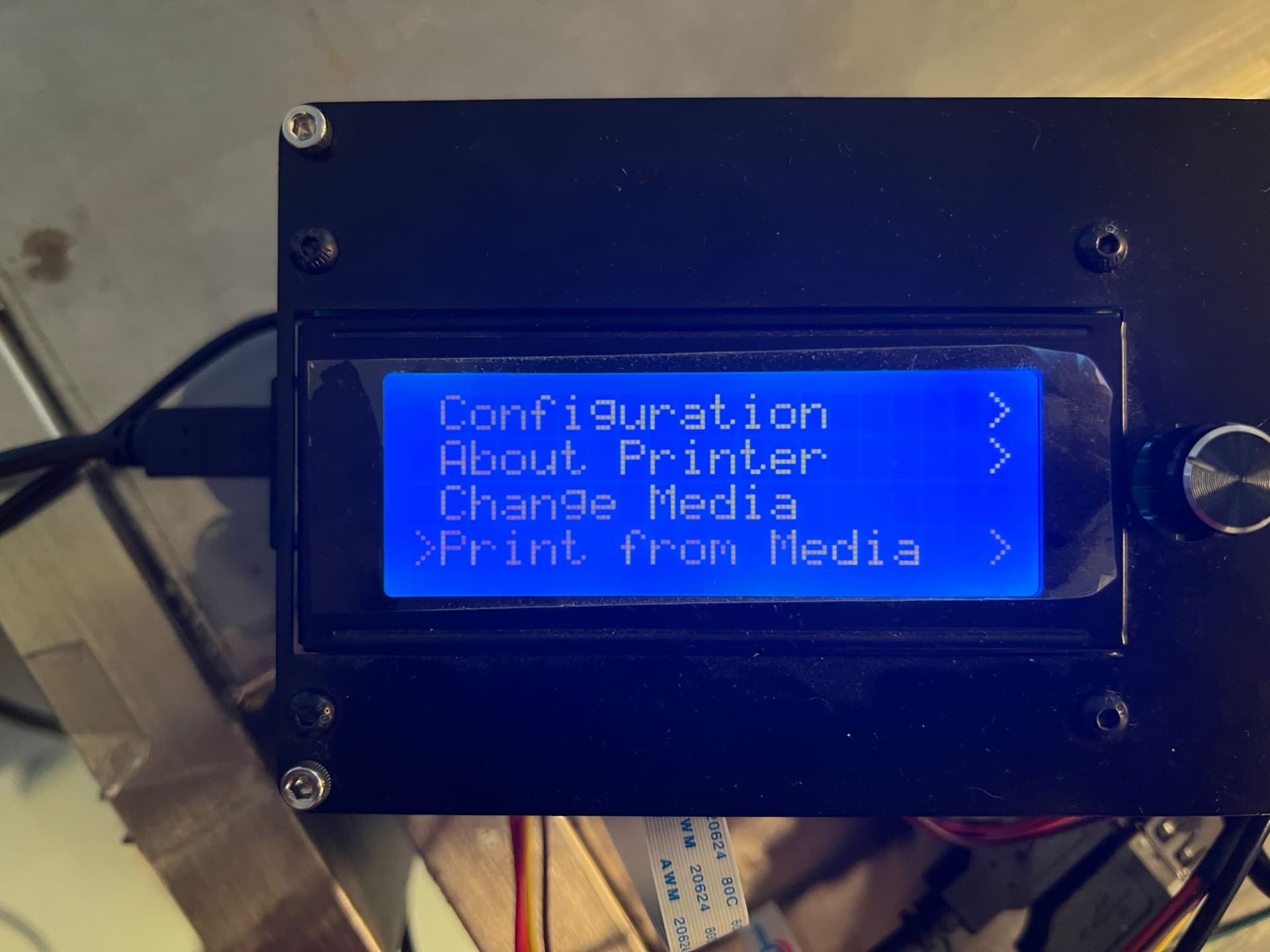
* choose the file that you want to print
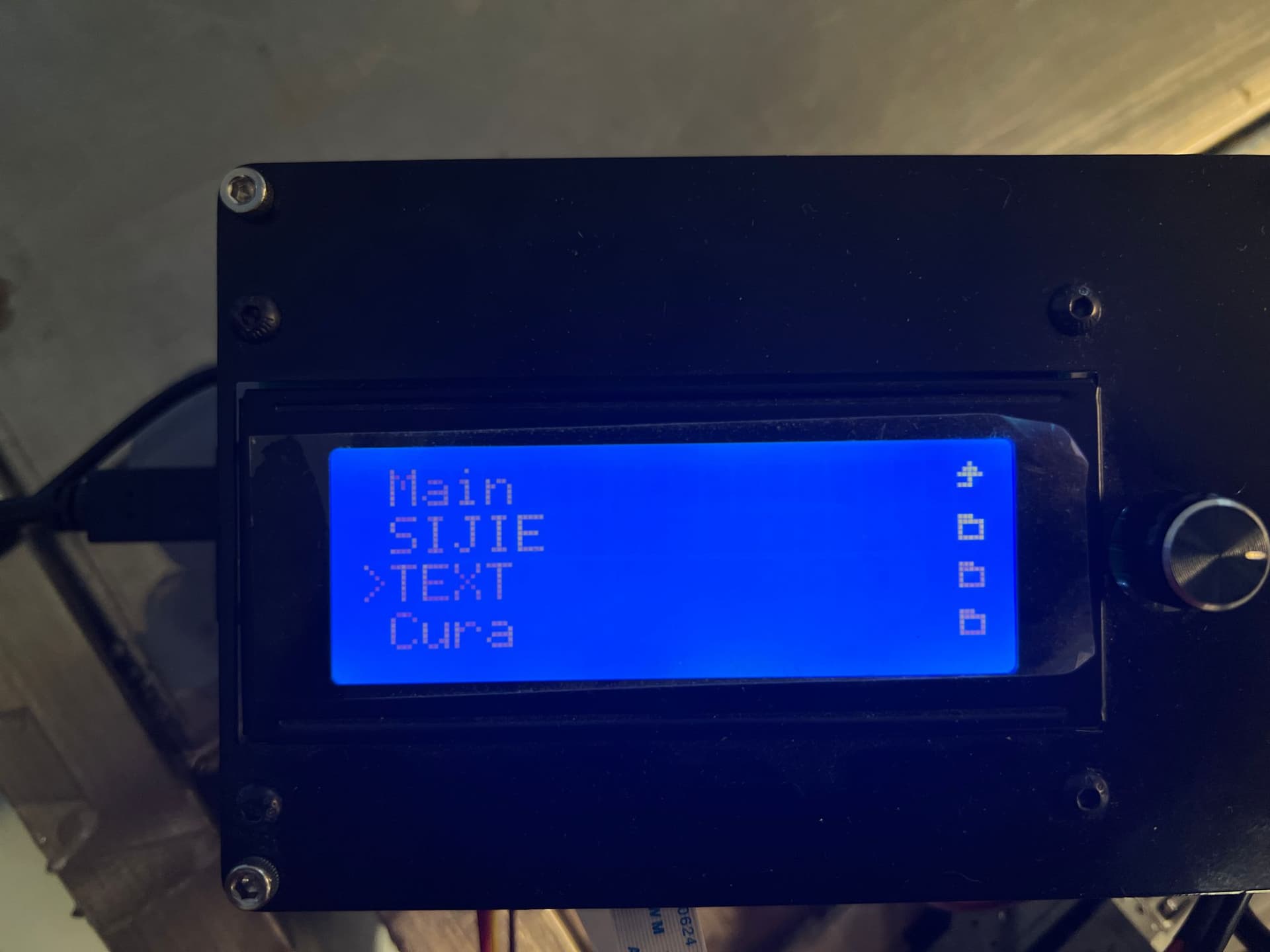
* Use knob to select “print” option
*
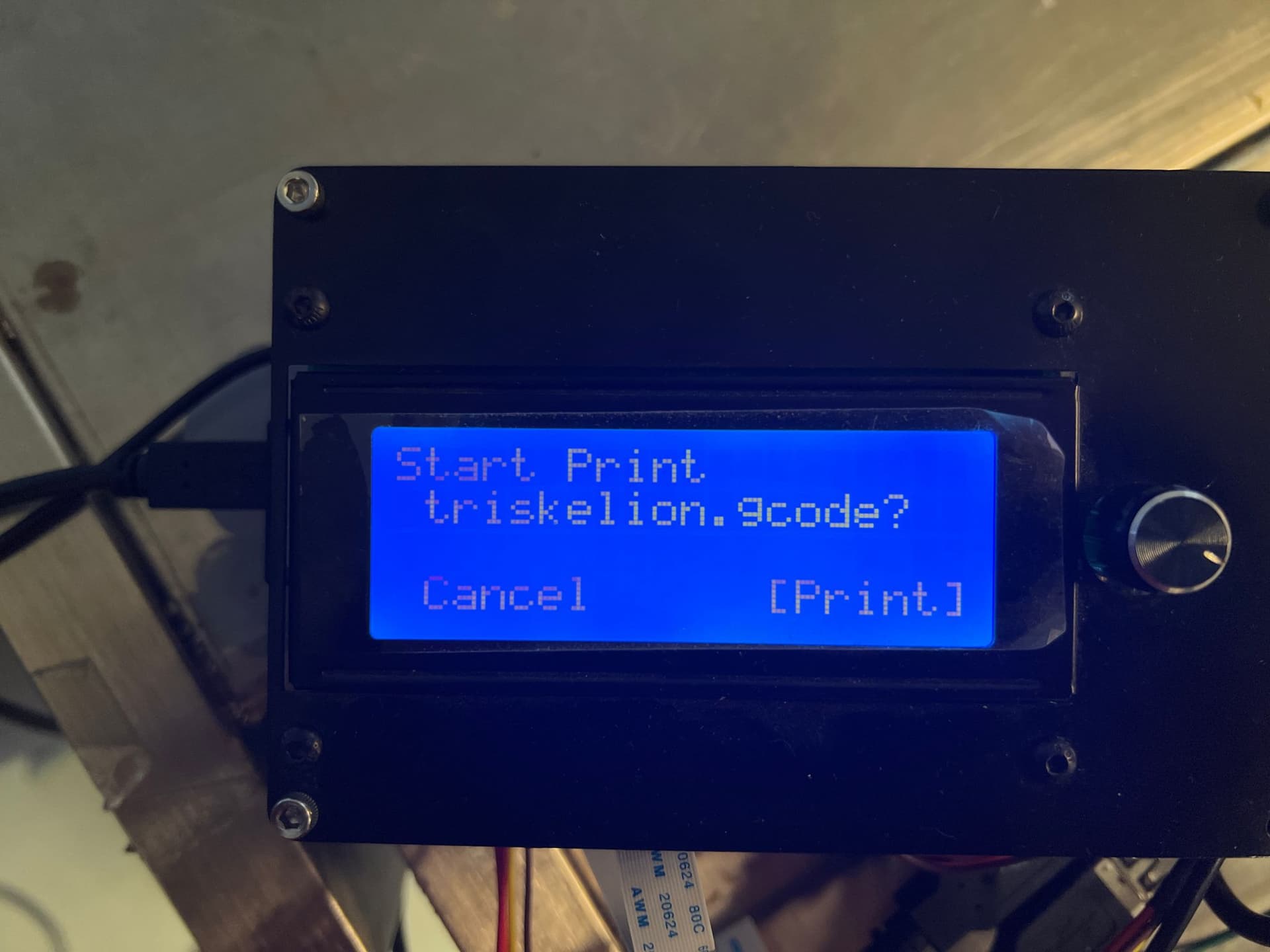
* you will find in main screen, the printer is preparing to heat the nozzle and bed.