activity 1 superslicer-support
- learning goal:
- after this activity, student is expected to learn what is support, how to use support
- tasks
- follow the https://all3dp.com/1/3d-printing-support-structures/ to learn what is support and when to use support
- screenshot of slicing the two sets of YOTH
- print two sets of YOTH
- take photo of the two sets of YOTH
- upload the screenshot and photos on confluence
- procedure
-
follow the https://all3dp.com/1/3d-printing-support-structures/ to learn what is overhangs and bridges
-
learn the rules of overhangs and bridges
-
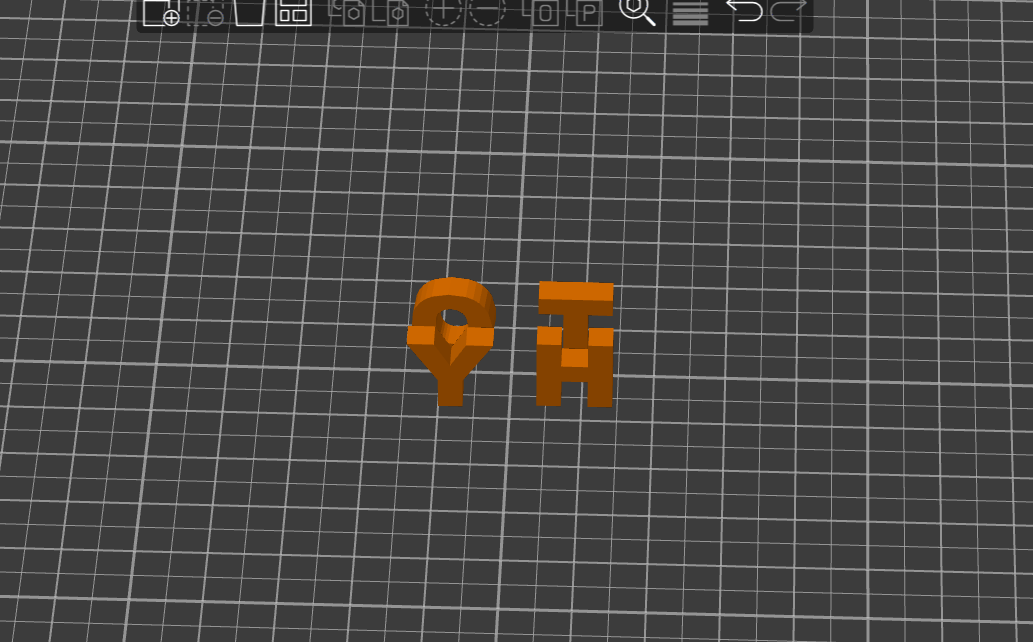
download the YOTH models and slice them in Superslicer
-
Place the models as shown in the picture
-
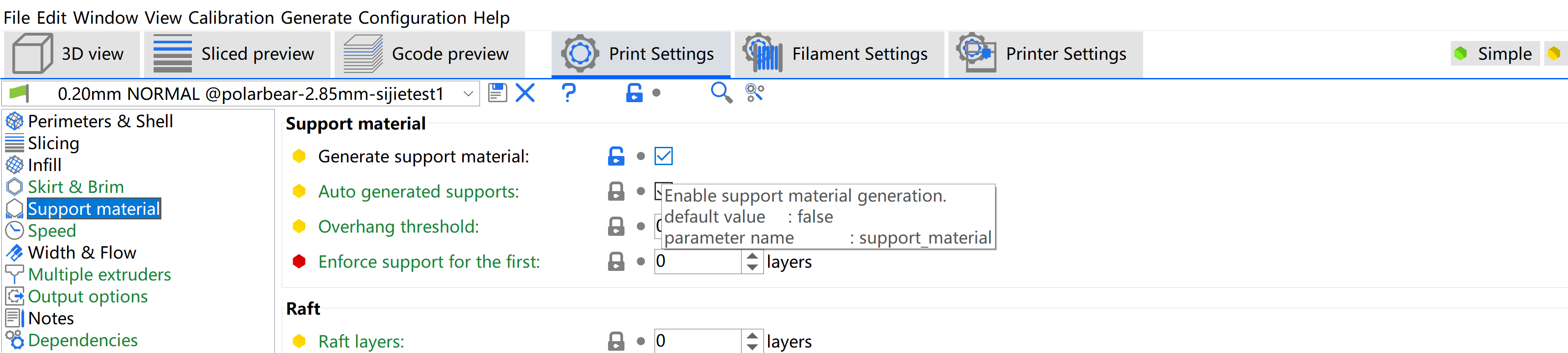
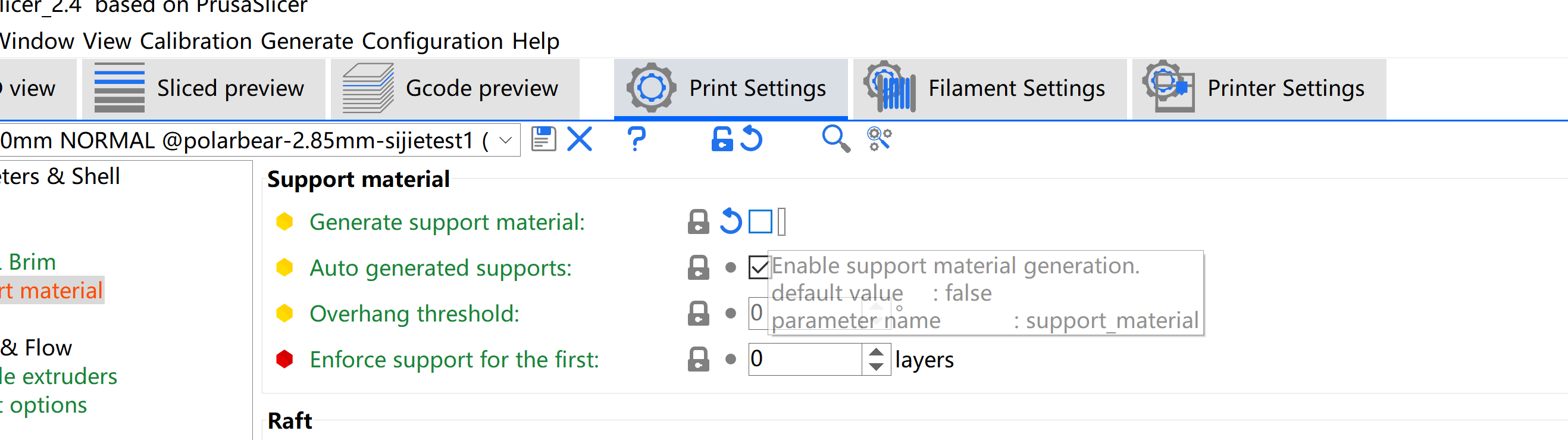
print one set of models with support (check the generate support option)
-
print one set of models without support (Uncheck the generate support option)
-