SD1105 Workshop 1 LabSheet
Expected learning outcomes
Able to create 3D model by using different techniques in TinkerCad
Environment Setup
Start TinkerCad
- Start an Internet Browser
- Visit https://www.tinkercad.com/
- Login with an existing account, or register a new account.
- You will be redirected to your own dashboard
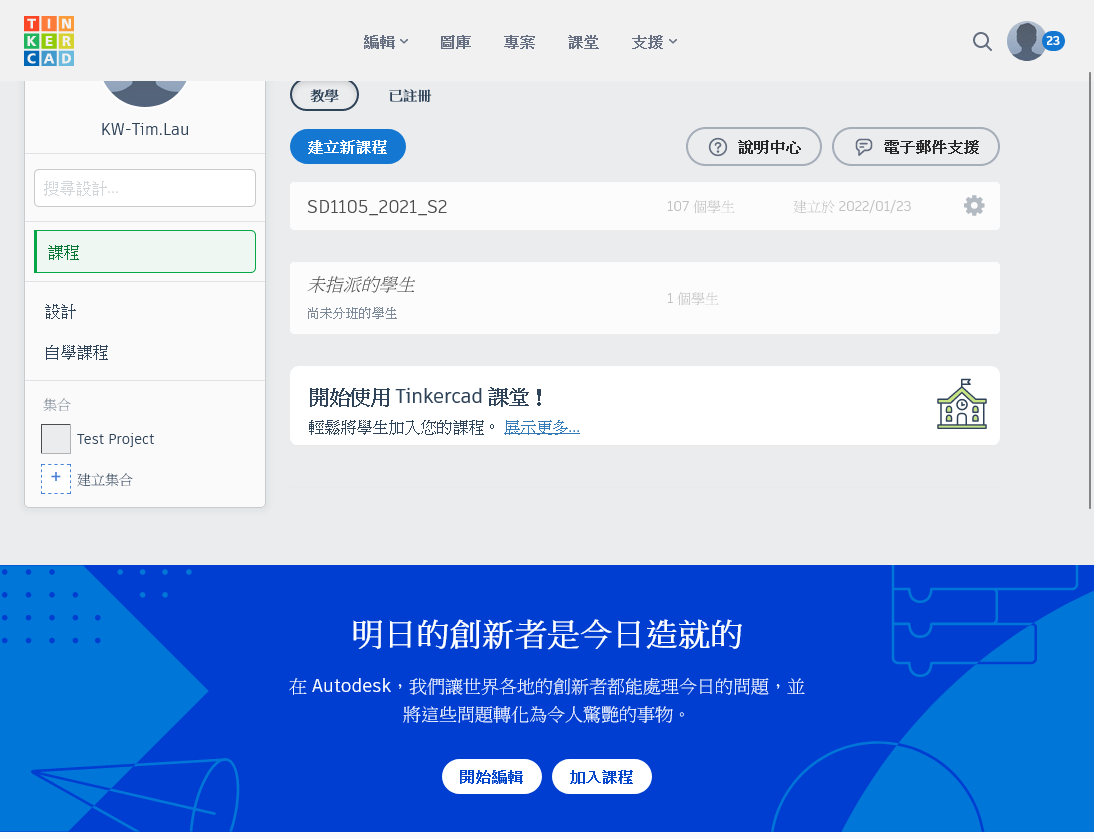
Dashboard UI
:::info
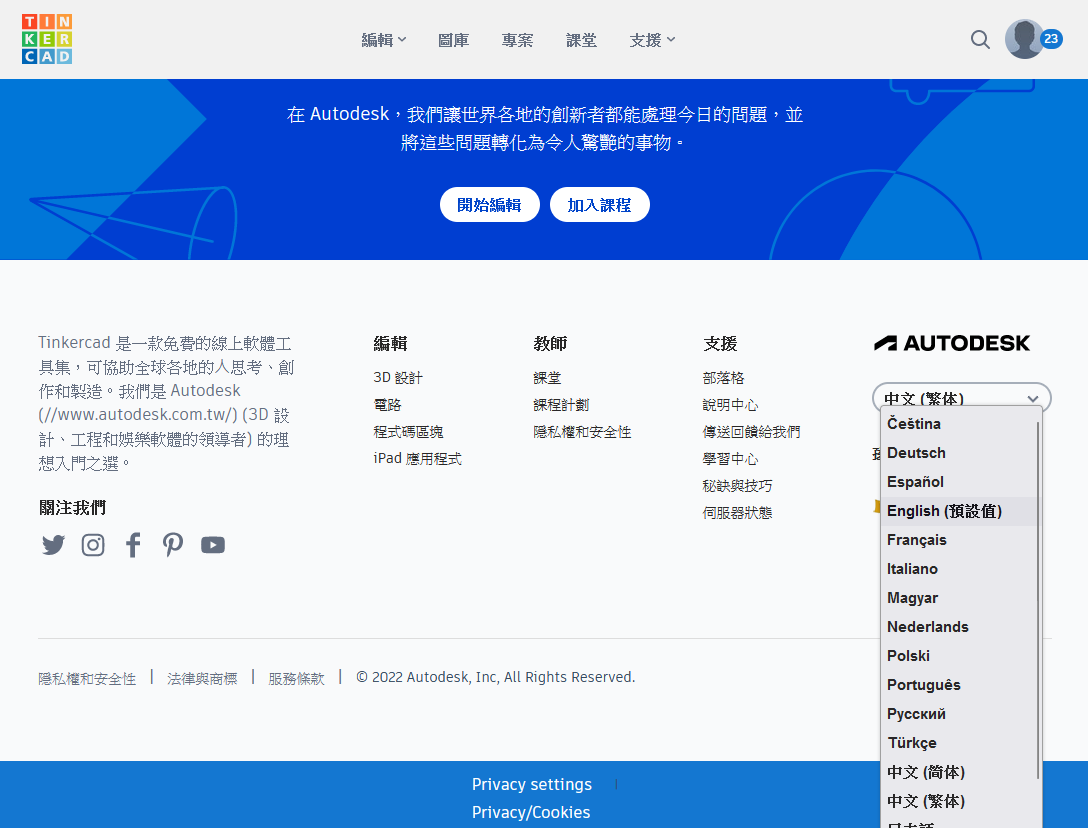
UI Language
We use English as the interfact language in this workshop.
You can pick your favourite UI Language with the dropdown box located on the bottom of the page at anytime.
:::
Create New model
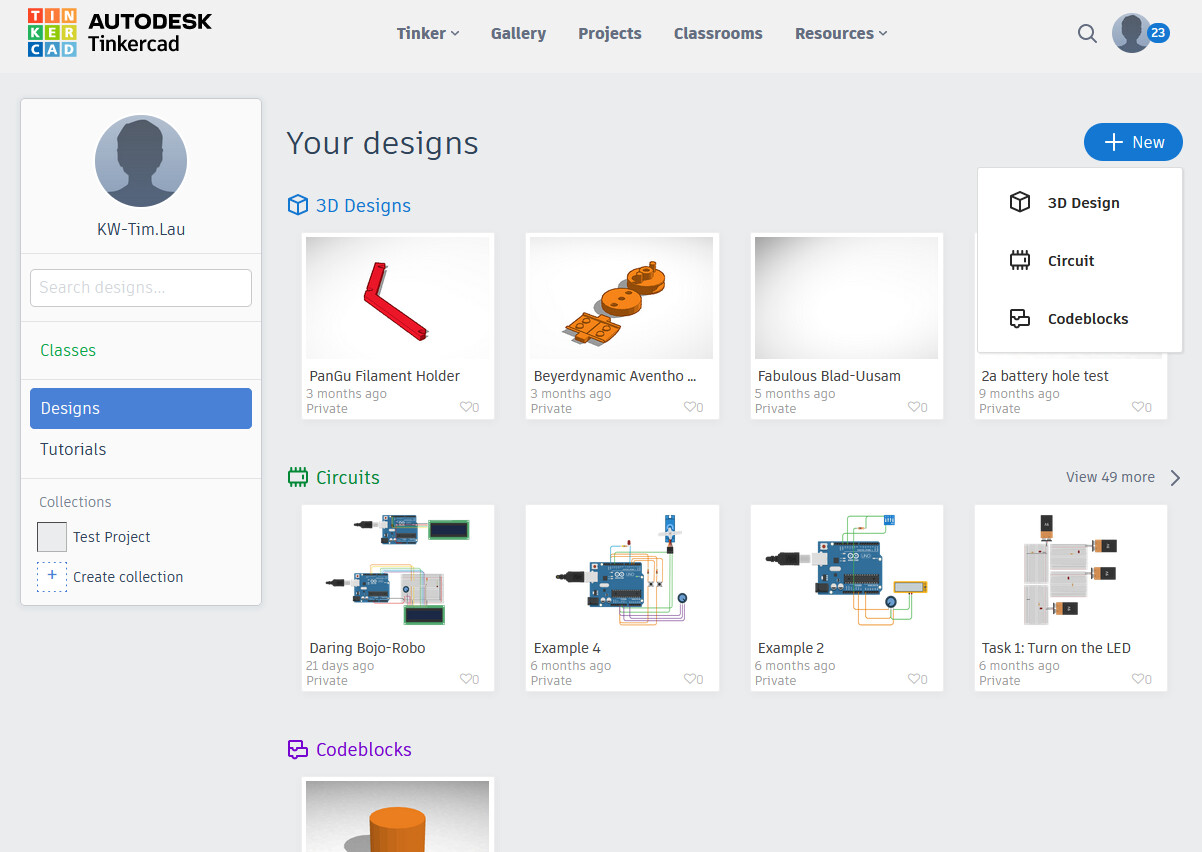
- Click “Designs” at the left side pandel.
- Click “+ New” at the right top side.
- Select “3D Design” to create a new 3D Model.
Scope:
learn how to user Tinkercad to create a 3D object with certain requirements
    union
    difference
    extrusion from planar curve
    alignment
    measurement
Output:
a model built with Tinkercad with certain requirements
    union
    difference
    extrusion
    alignment
    measurement
    dimension accuracy
    customized parts
e.g. an object with a connector for lego brick (with male and female)
pre-requisite:
None
facilities requirements:
notebook/PC with internet access