- learning goal:
- after this activity, student is expected to learn how to adjust the parameters (density, pattern) of infill and how to adjust the shell parameters (shell layers)
- tasks
- follow the procedure to learn the basic knowledge of infill. shell and infill pattern
- screenshot of slicing the cubes
- print the cubes
- take photo of the two sets of YOTH
- upload the screenshot and photos on confluence
- reference
cube.stl (684 Bytes) - procedure
- follow the references to learn the basic knowledge of infill
- https://all3dp.com/2/infill-3d-printing-what-it-means-and-how-to-use-it/
- https://all3dp.com/2/prusaslicer-infill-patterns/
- follow the references to learn the basic knowledge of shell
- https://all3dp.com/2/3d-printing-wall-thickness-tutorial/
- https://all3dp.com/2/3d-printing-shells-all-you-need-to-know/
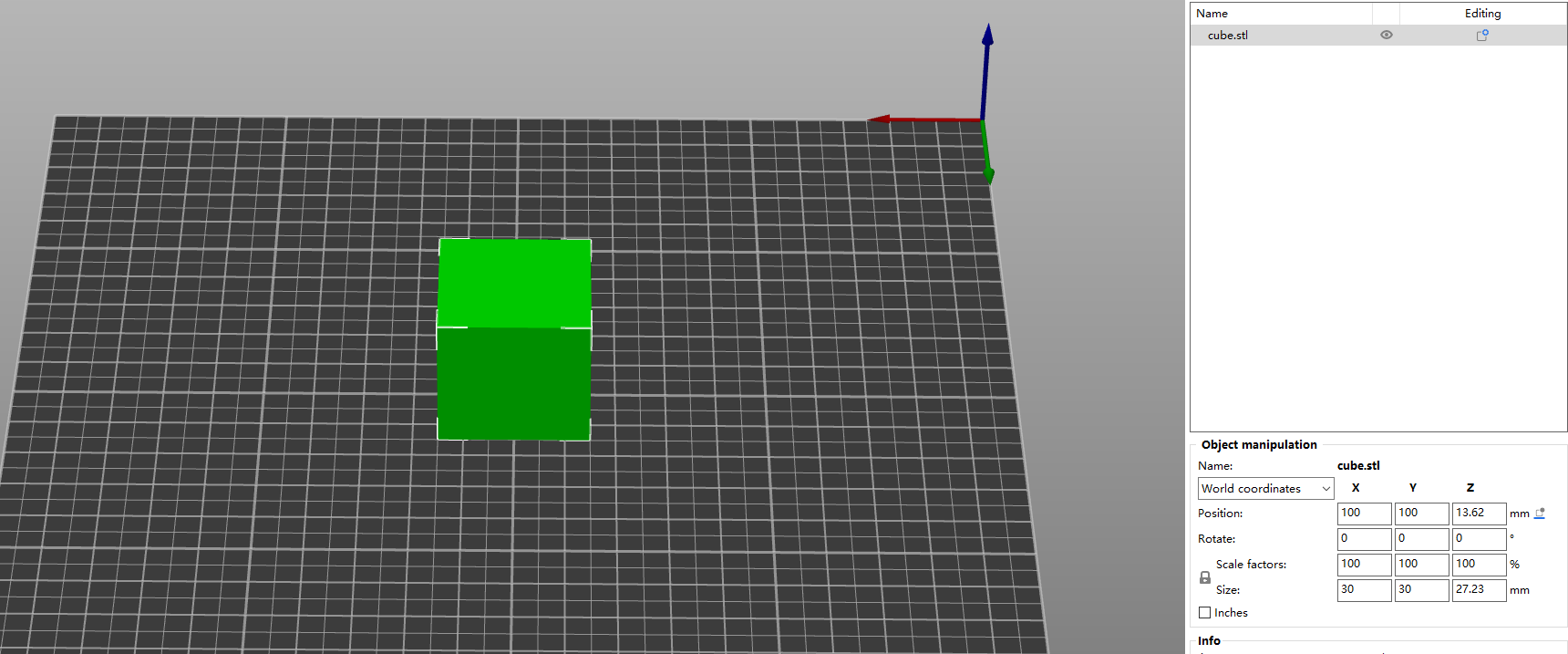
- download the cube file and import in Superslicer
- scale the cube to 151515mm
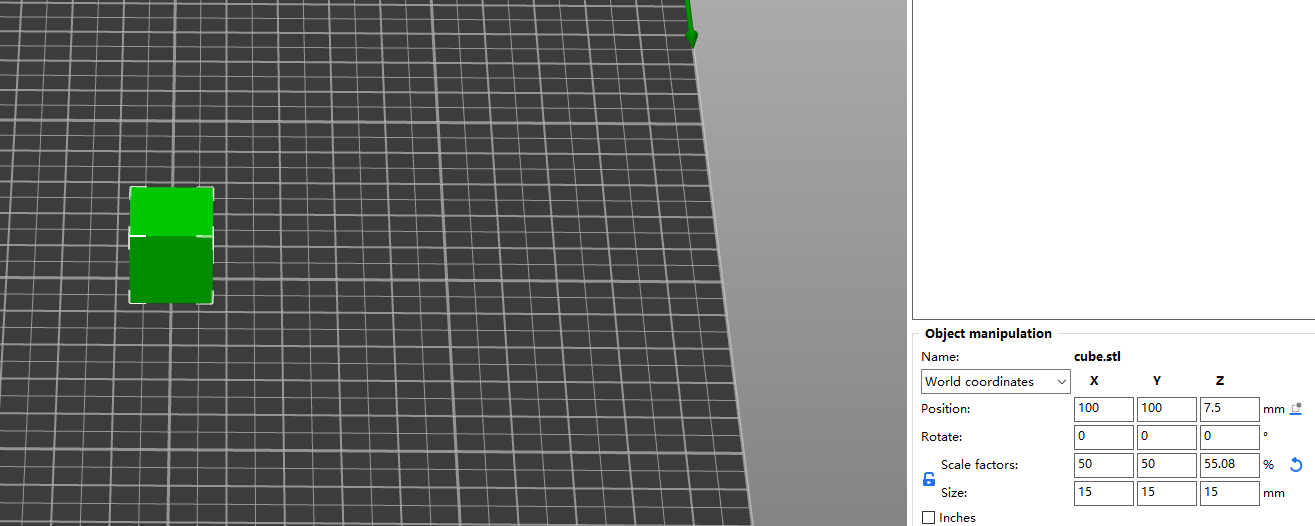
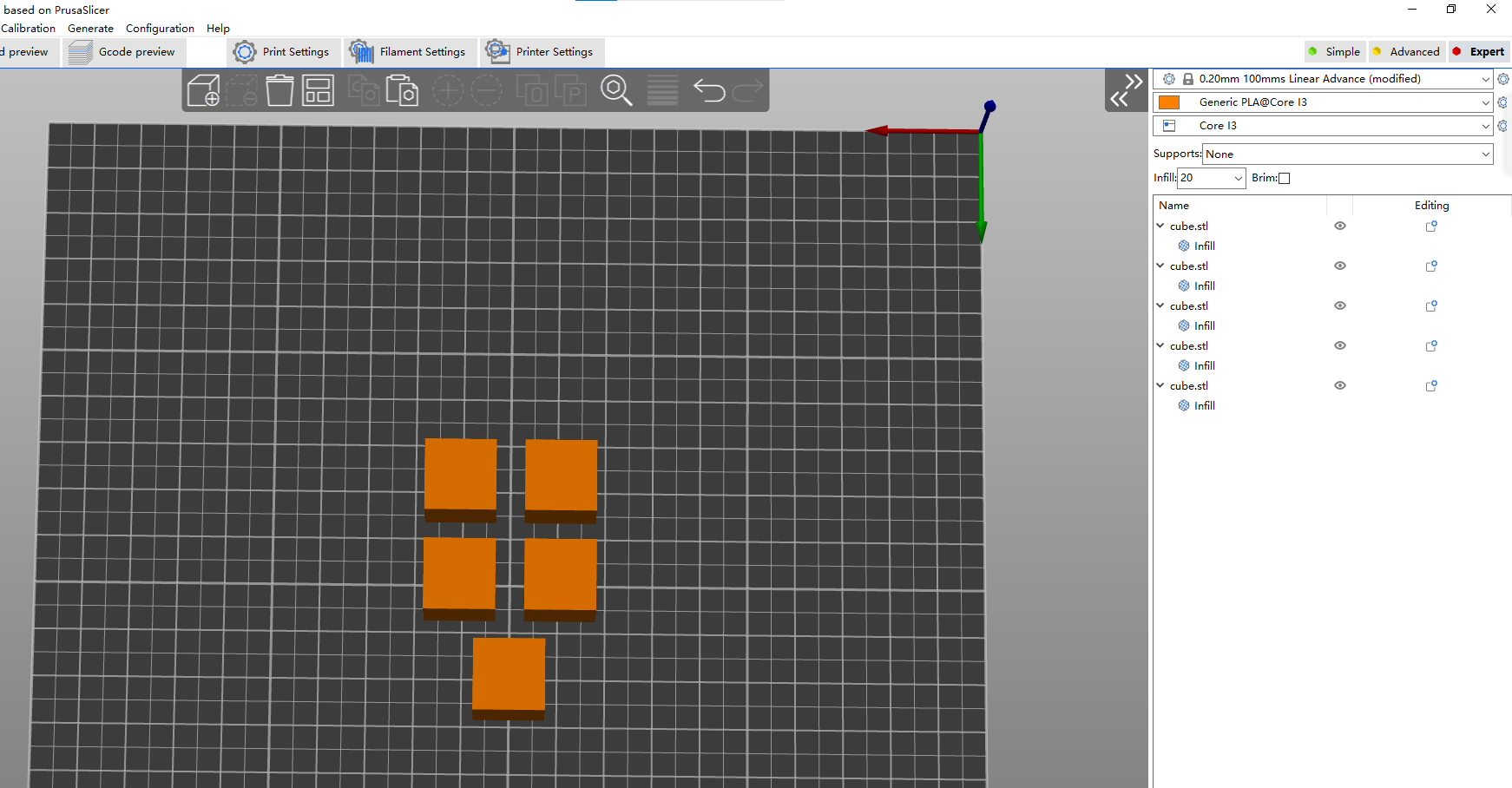
- copy 5 cubes
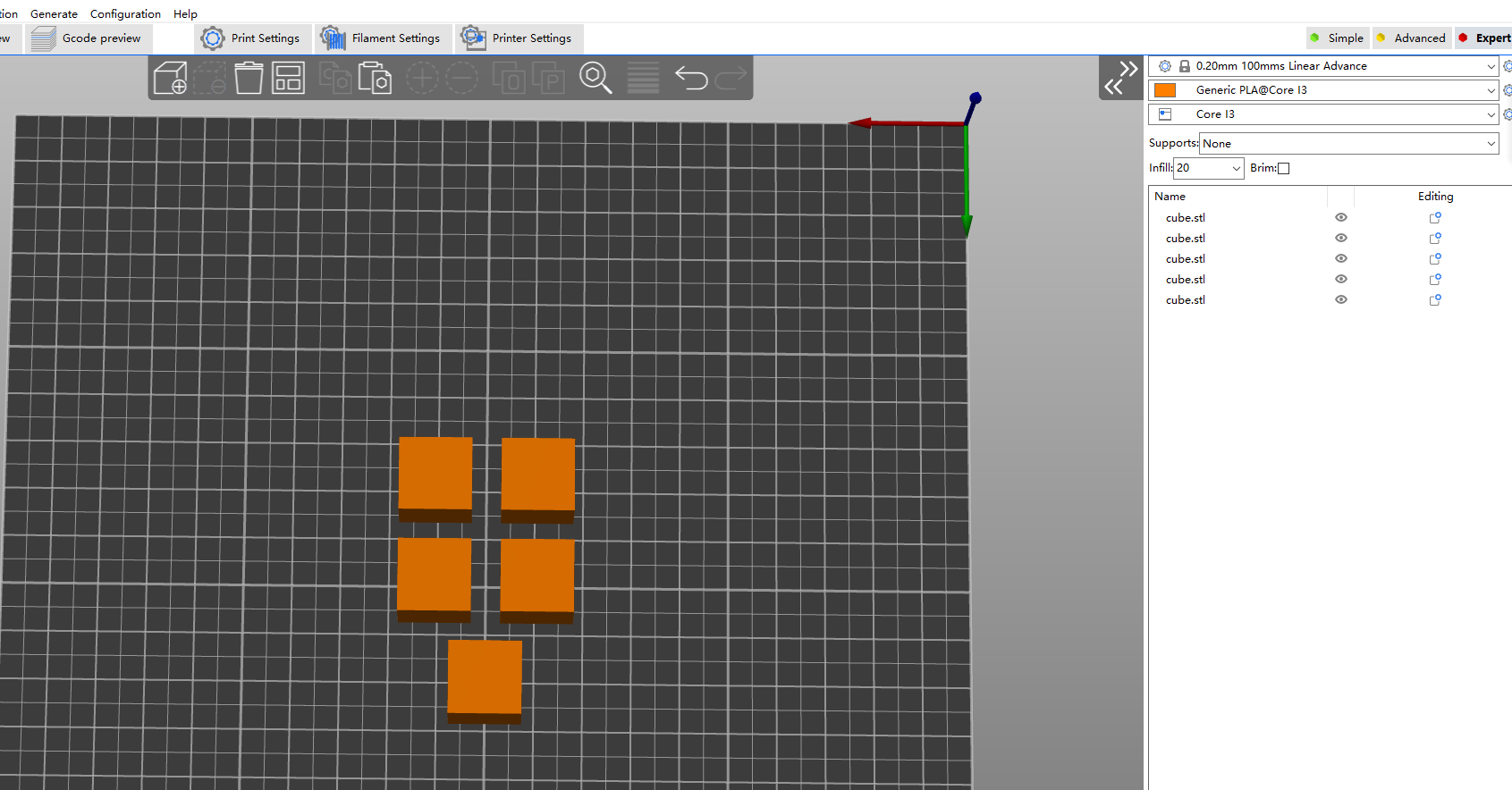
-
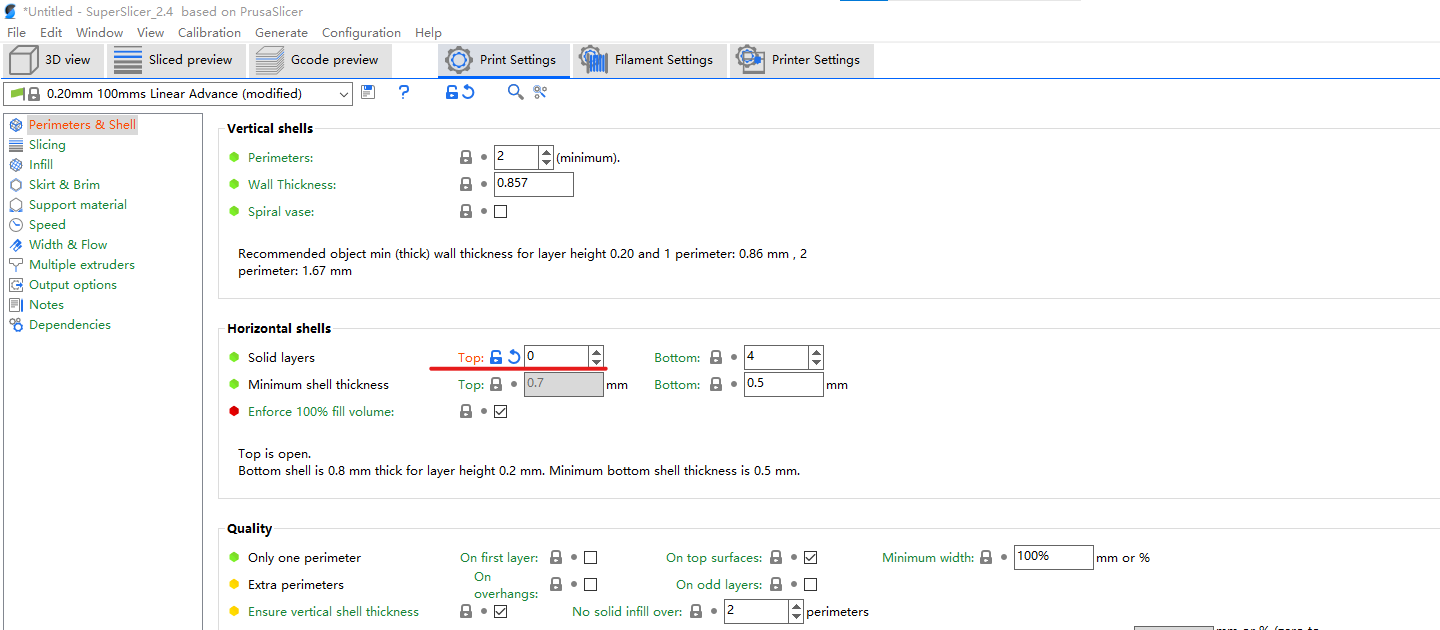
Turn off top layers Print settings > Perimeters and Shell > Horizontal shells > Top: 0
-
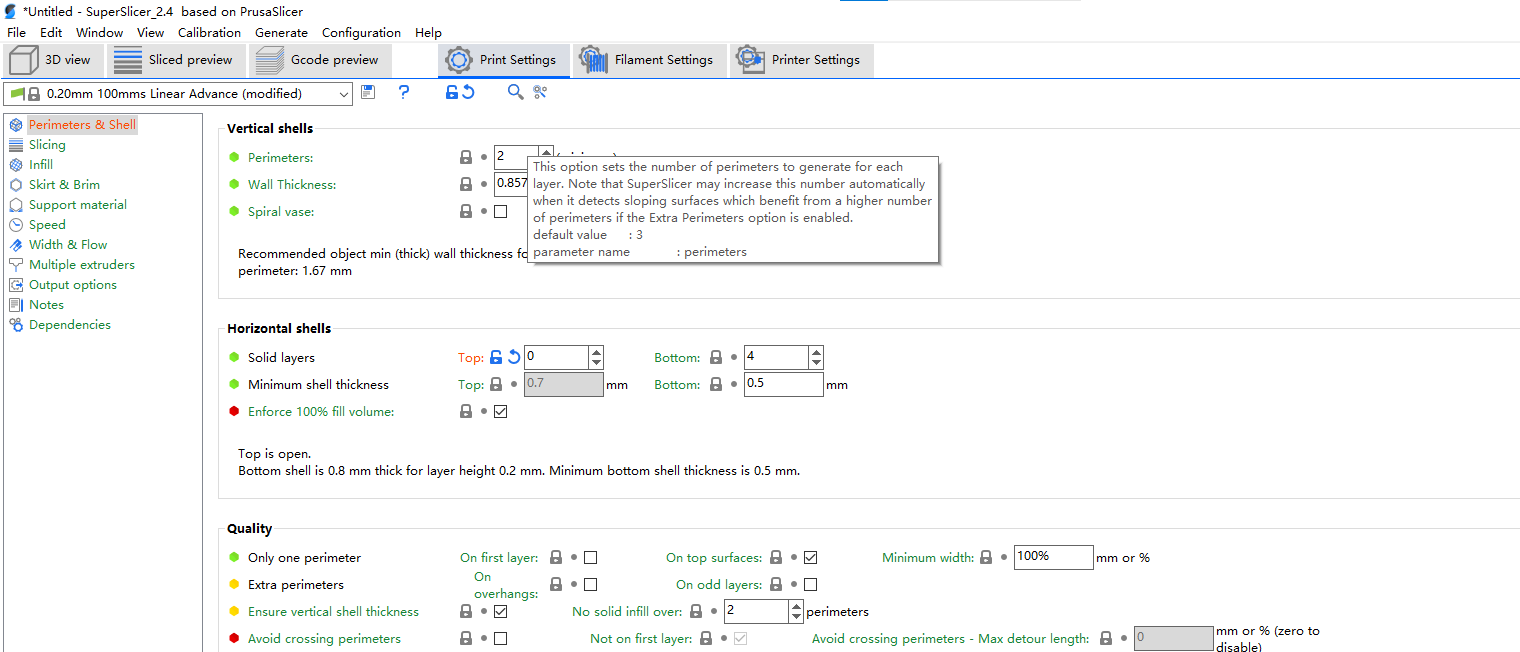
change the numbers of perimeters. the larger the value, the thicker the vertical shell will be.
-
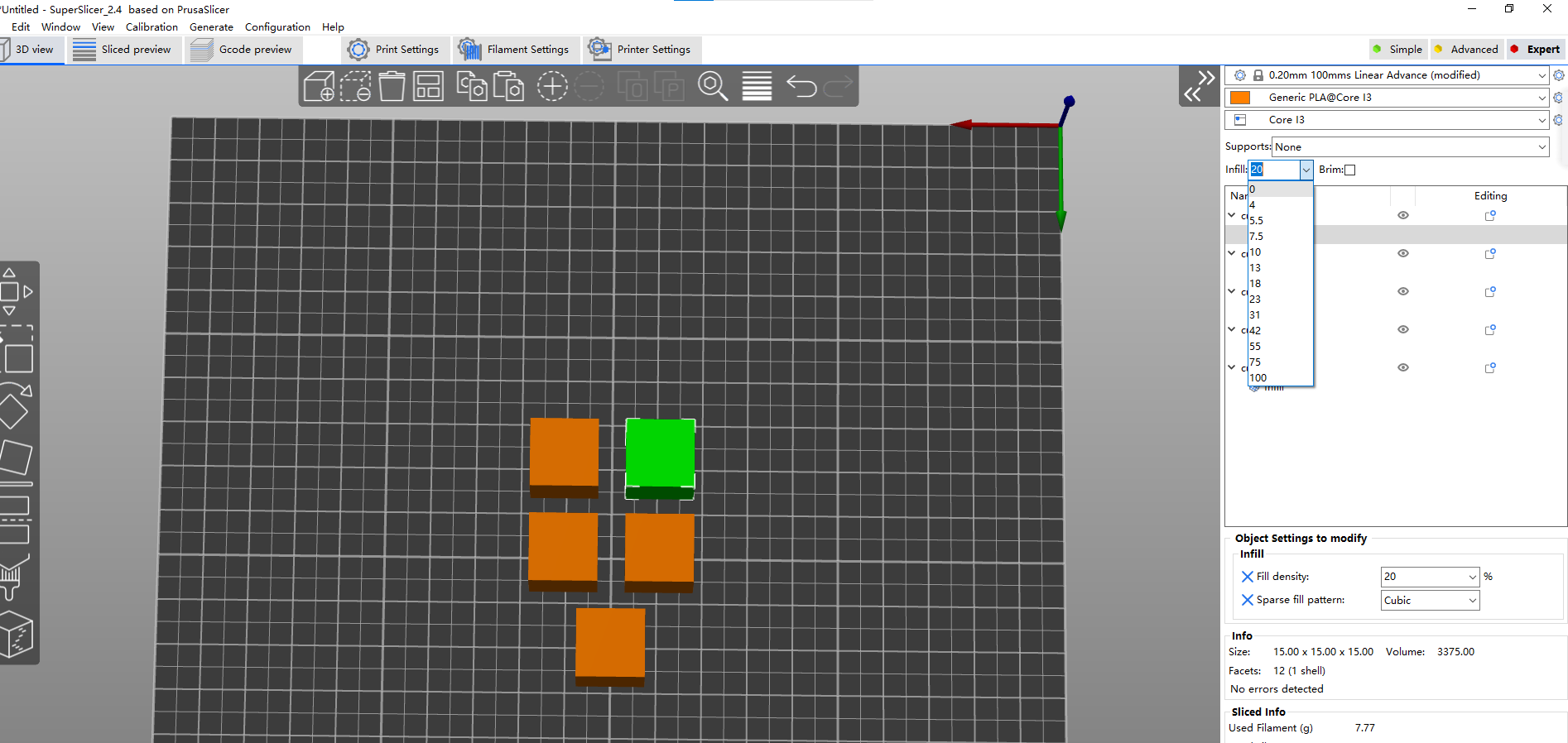
change the numbers of infill percentage. the larger the value, the denser the object and the stronger it is
-
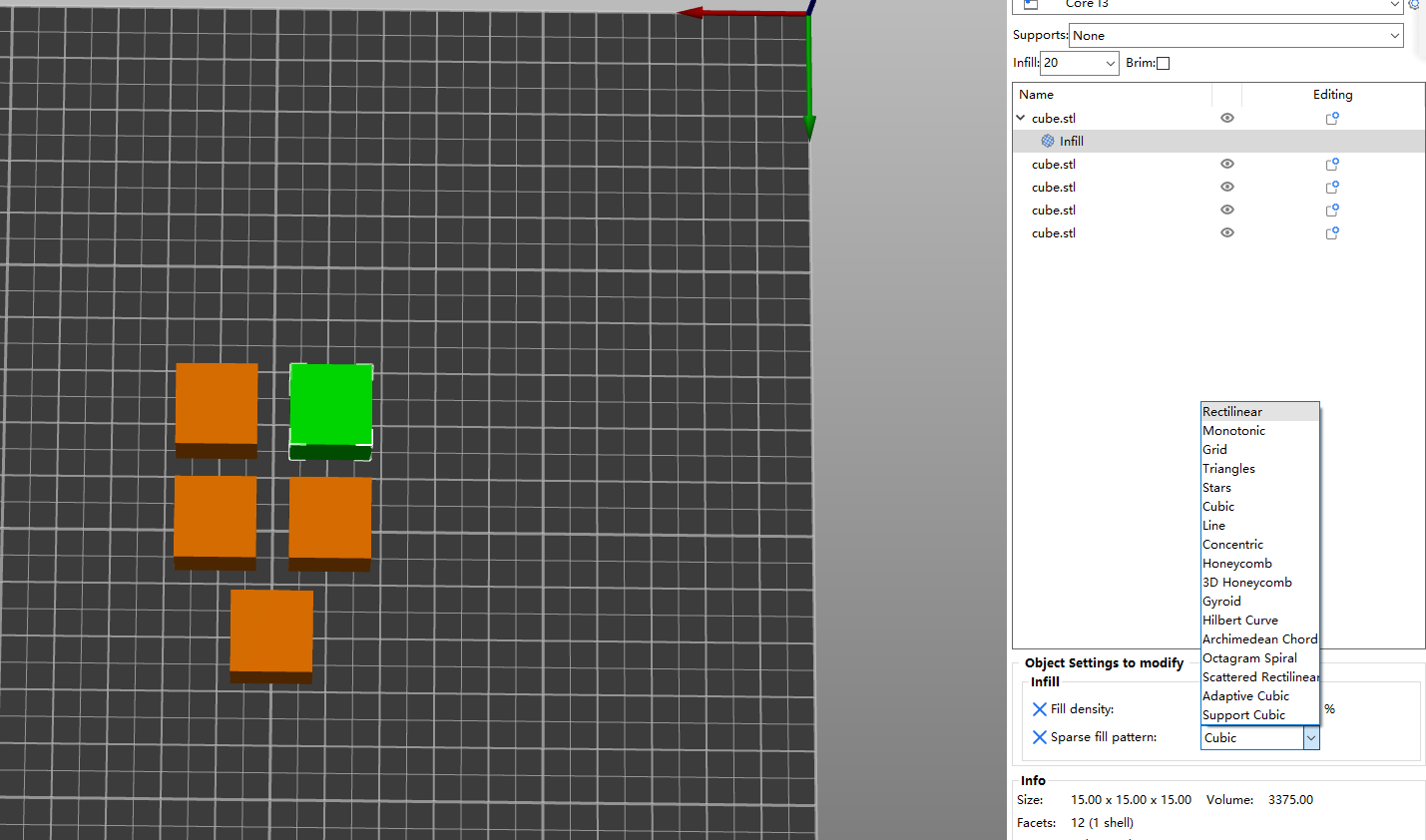
add infill pattern parameter for each cube
-
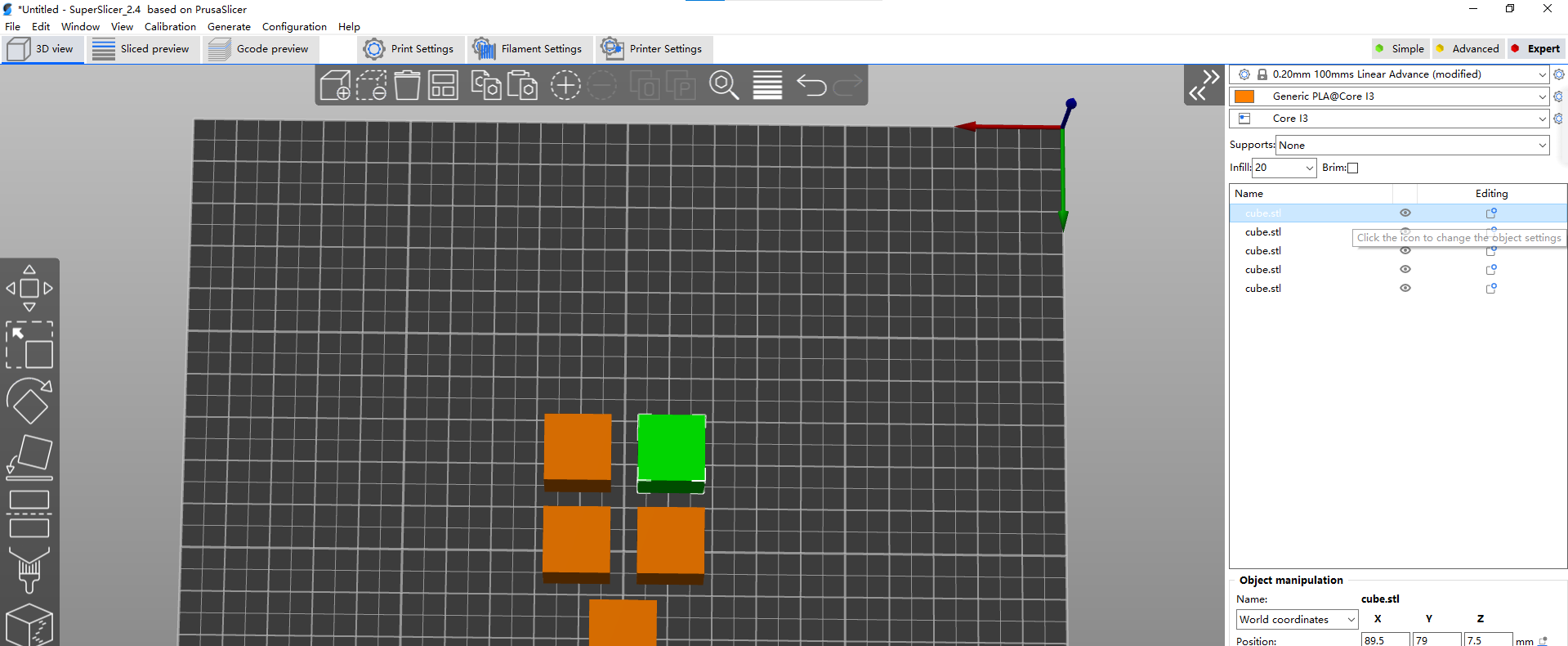
click the edit button for each cube
-
choose the infill opinion
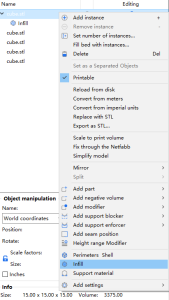
-
Set a pattern for this cube
-
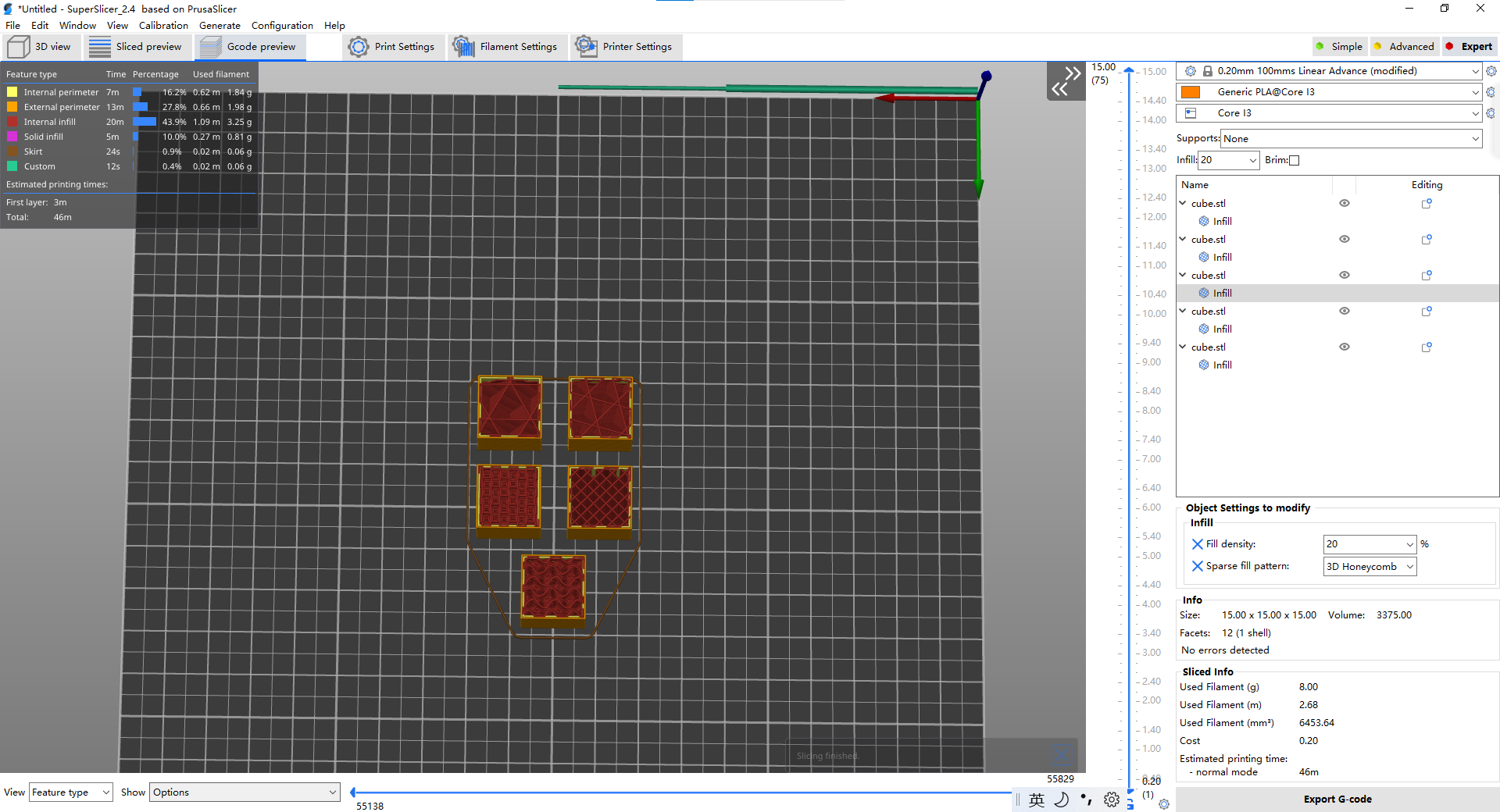
same as the rest cubes, make sure setting each cube with different infill patterns
-
slice the cubes
-
export the g-code and print the cubes
-